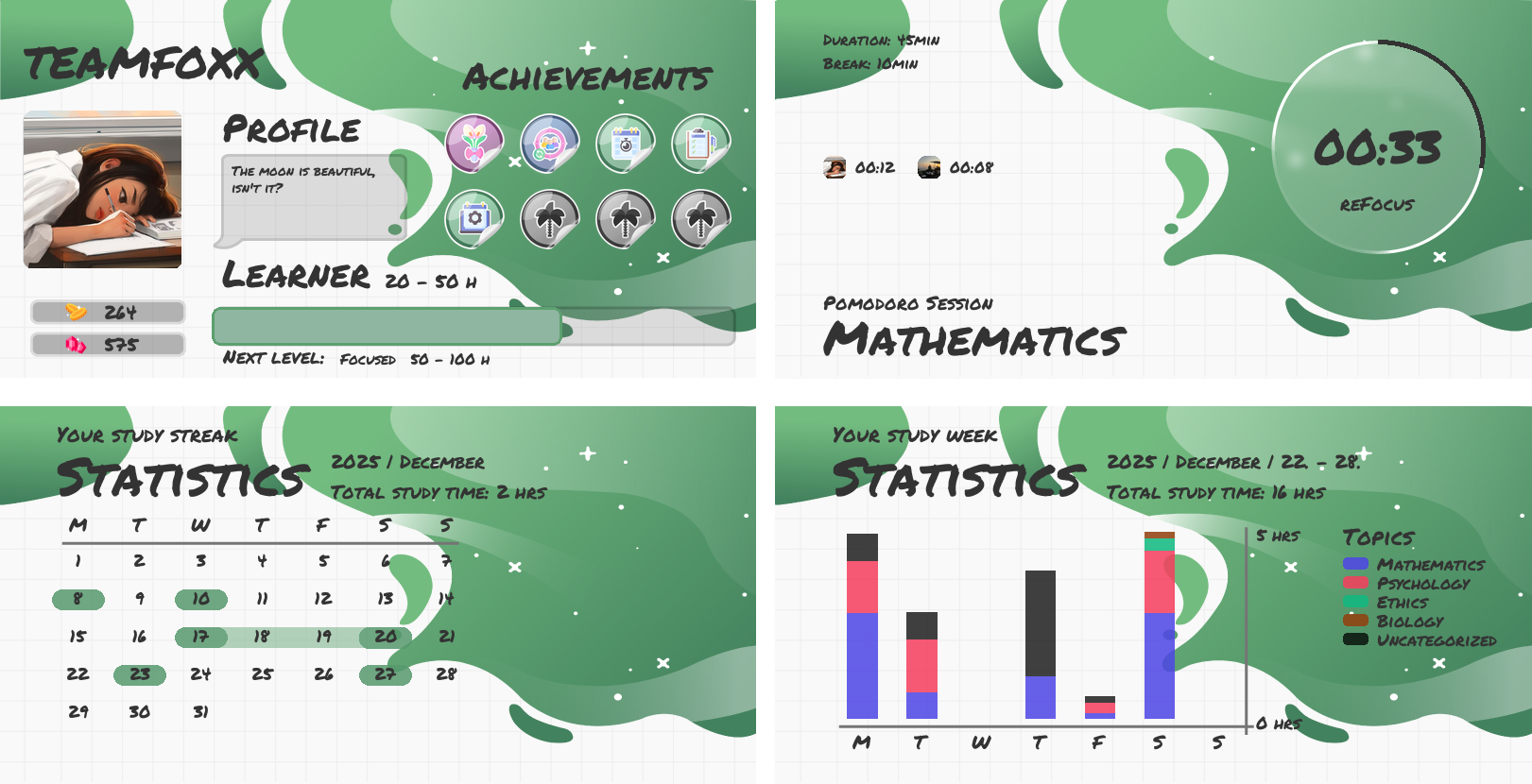
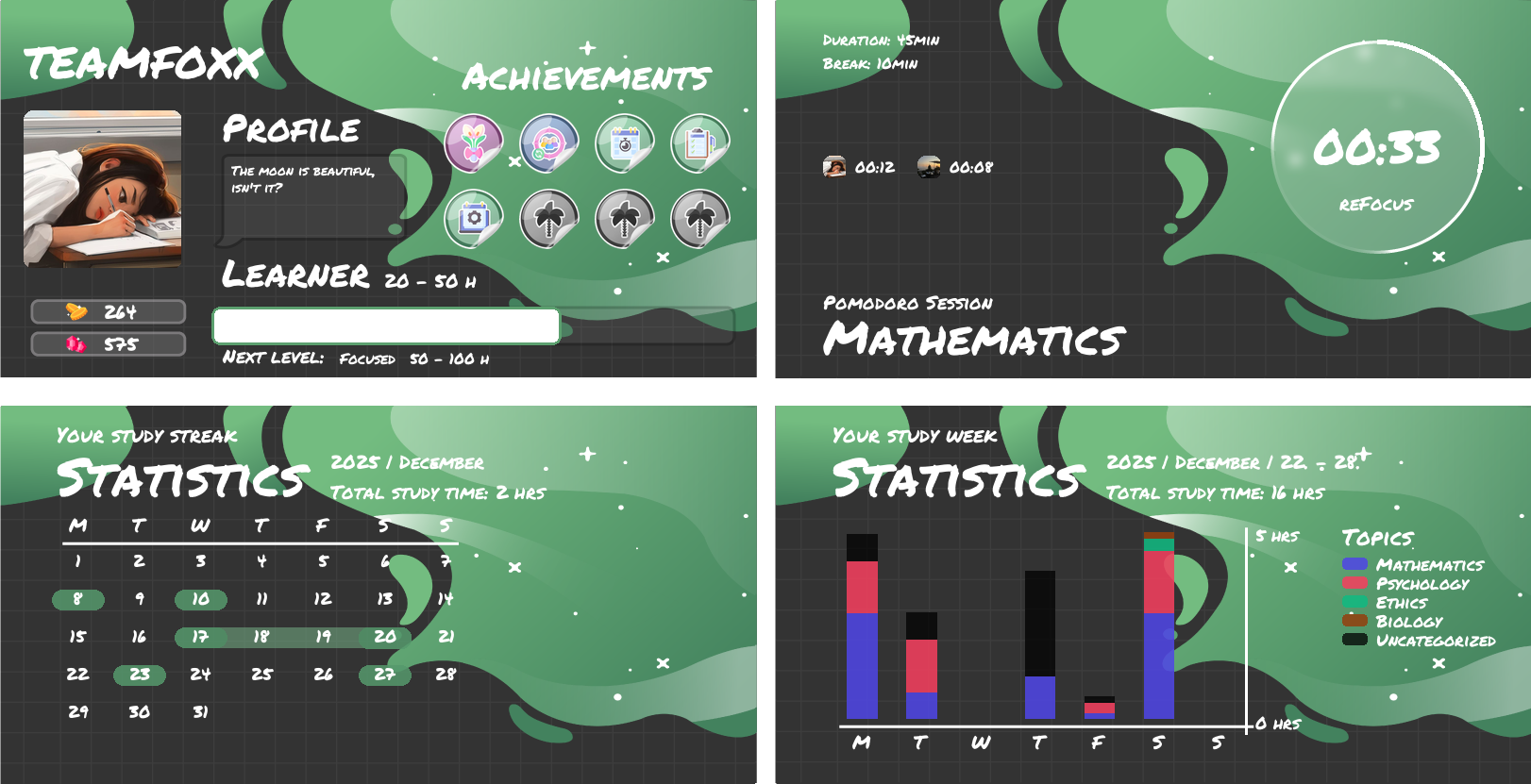
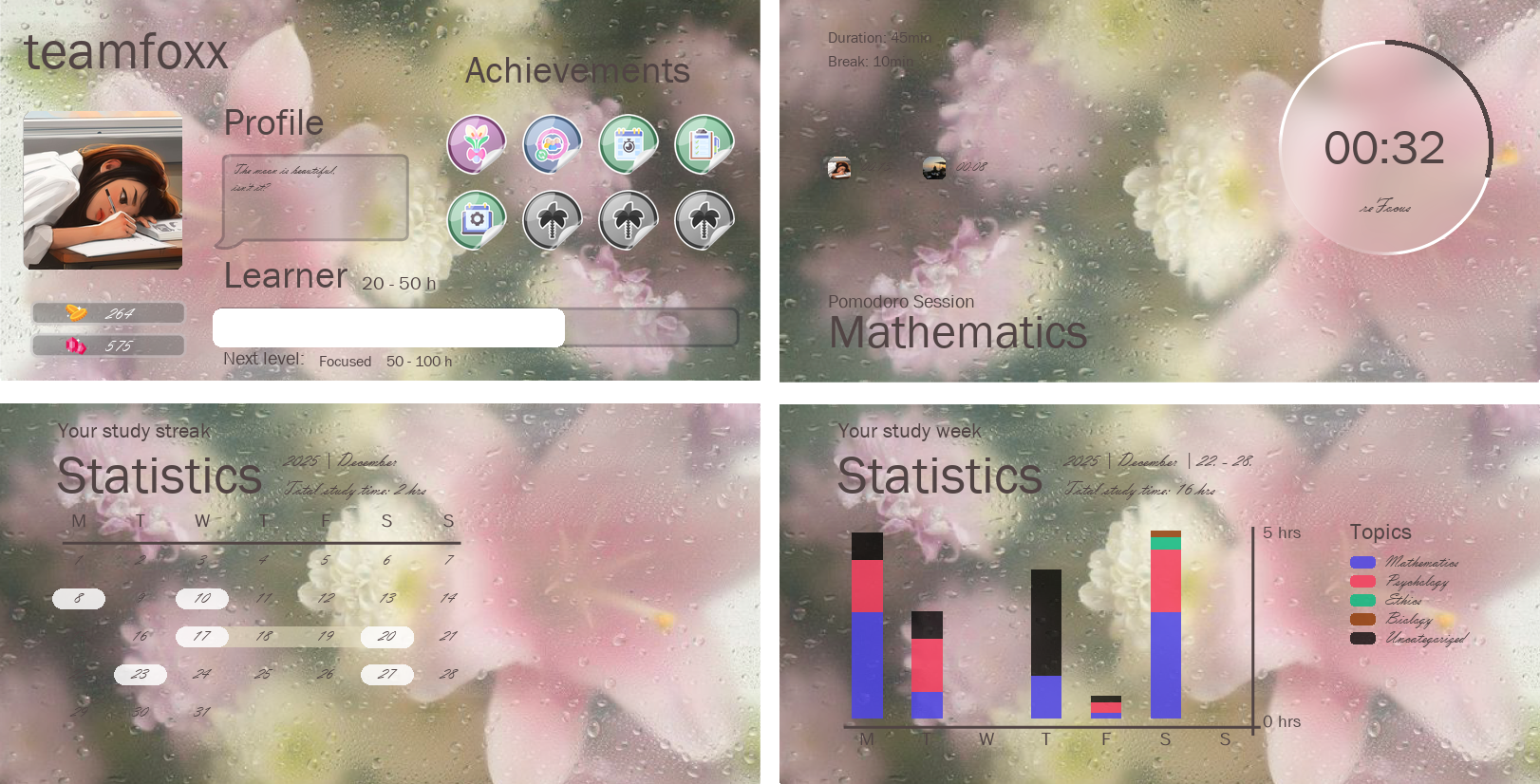
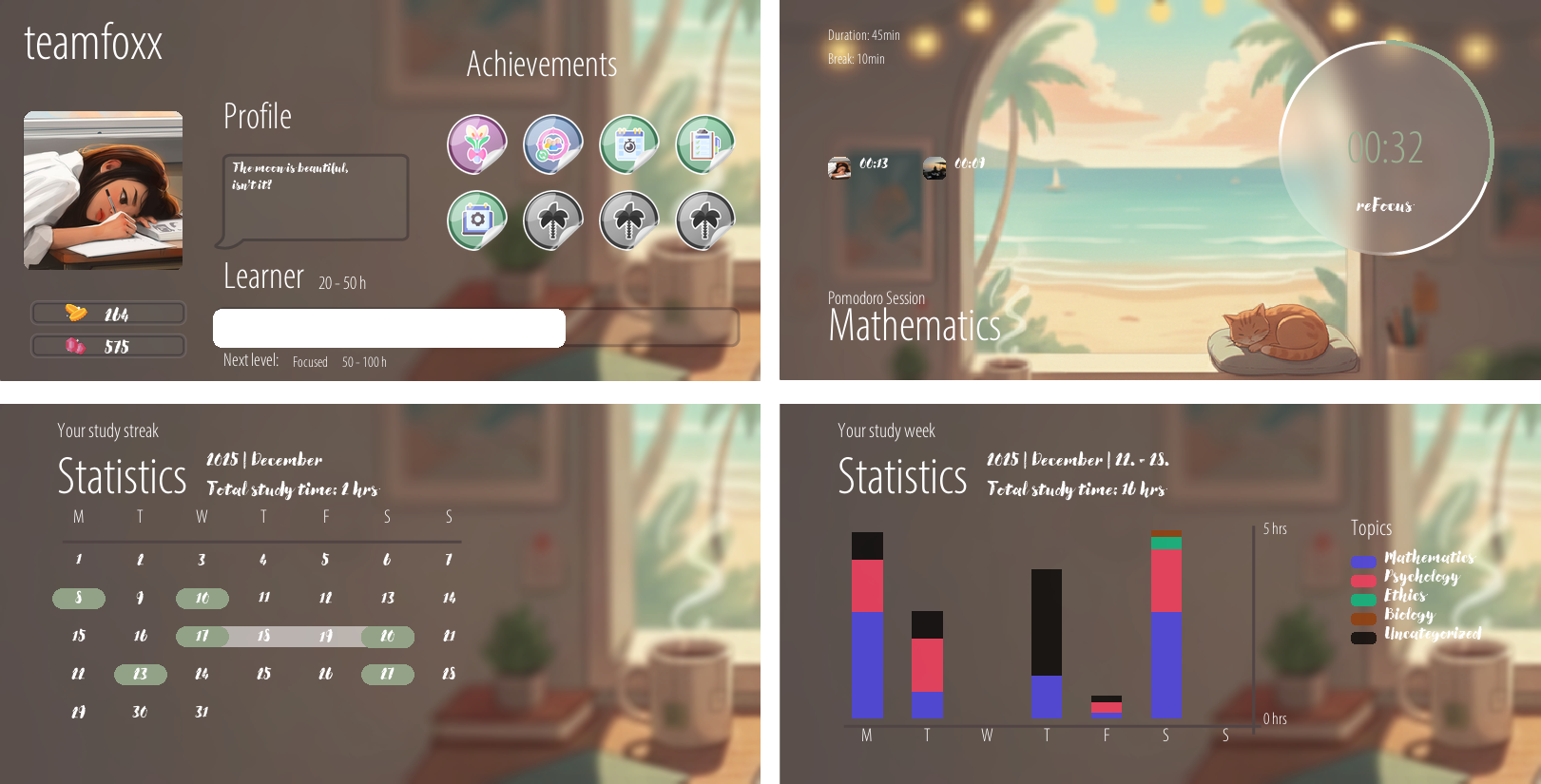
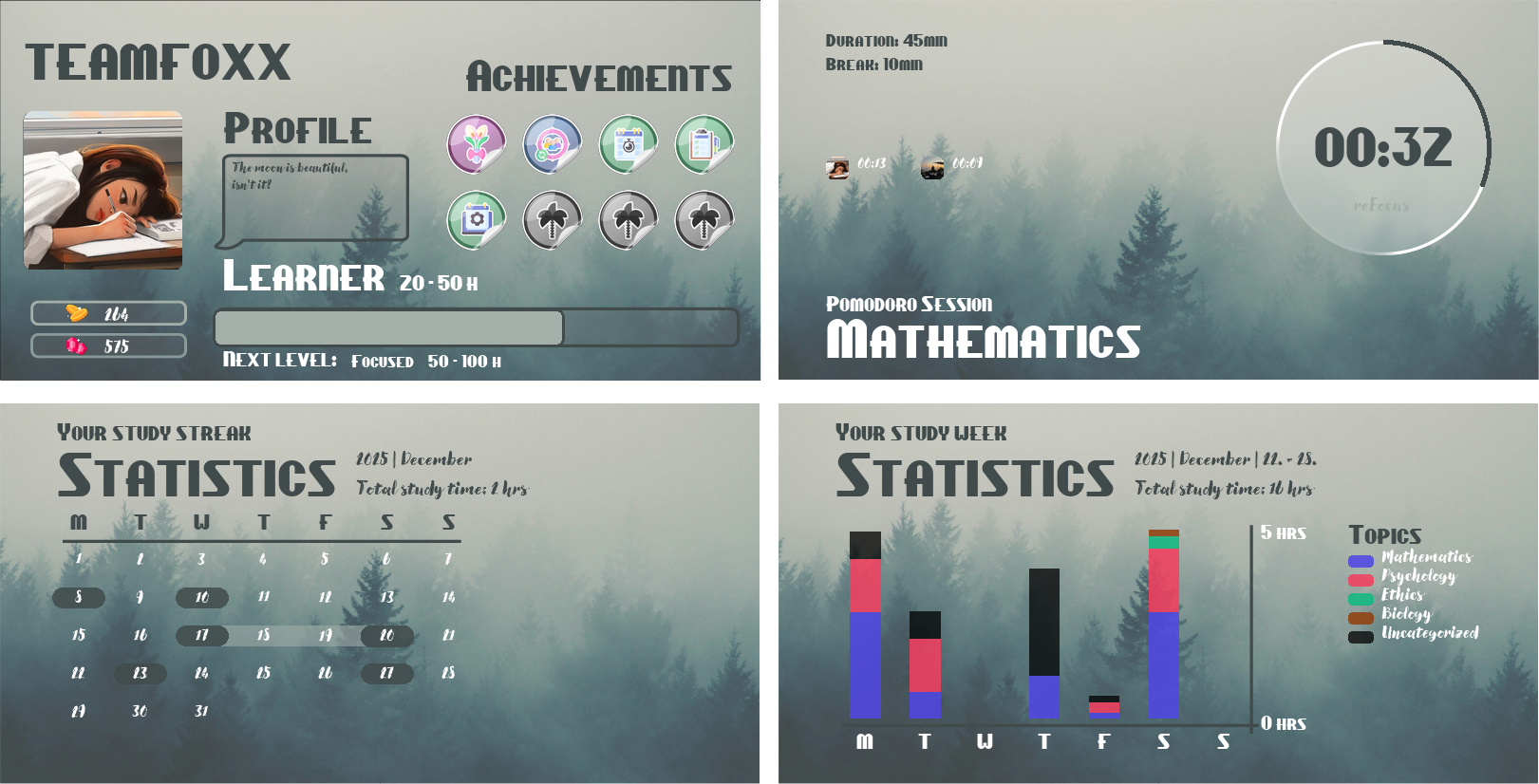
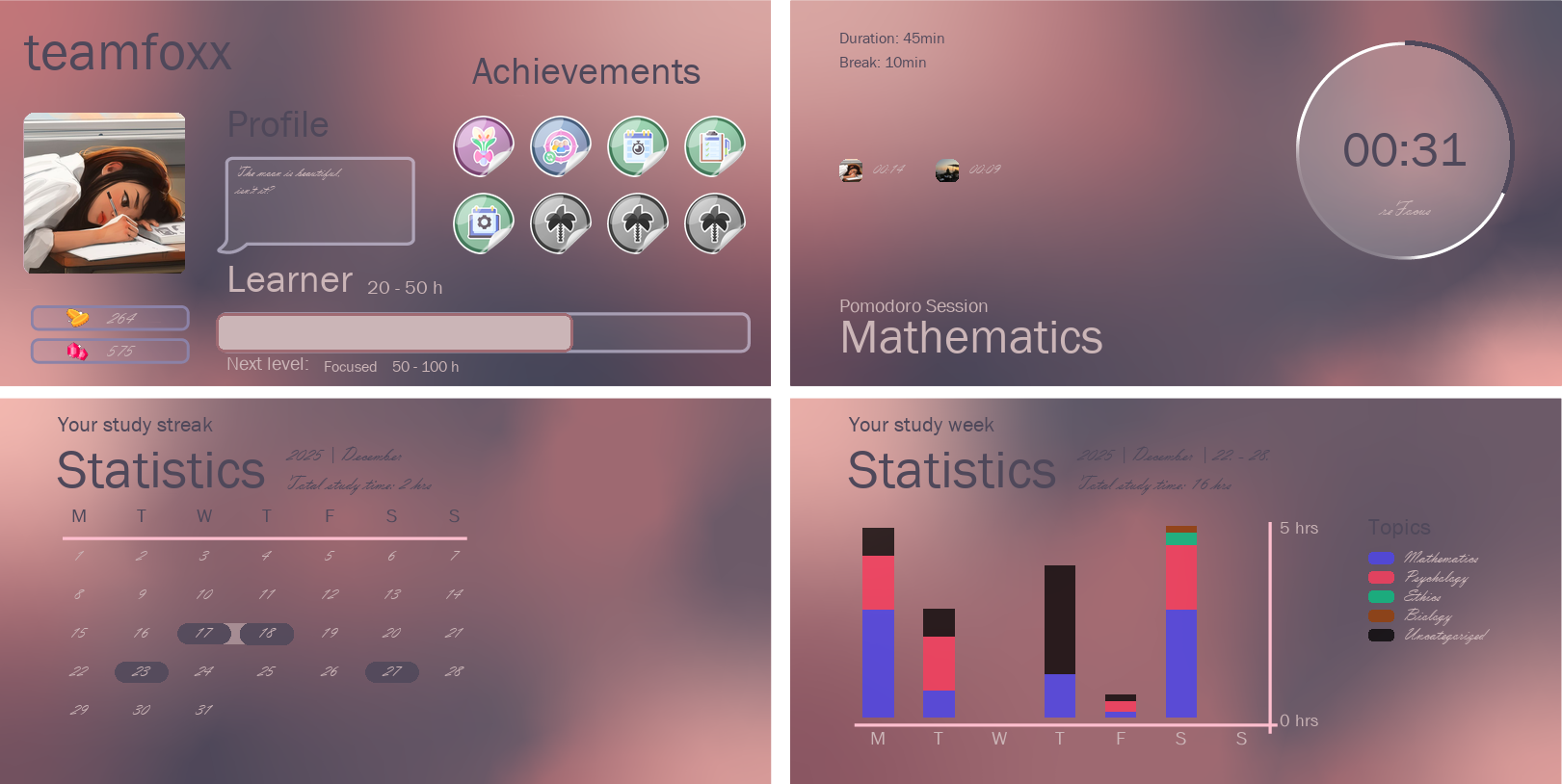
Themes change the background of your Study With Me cards.
They don’t affect features or timers, just the visuals you see while studying.
Your focus stays the same.
Your style doesn’t have to.
Unlock new themes directly from the Study With Me shop. Preview all themes on this page, then purchase your favorite using Coins earned from studying or Gems from the shop.
Go to the channel in your server where the Study With Me interface is available.
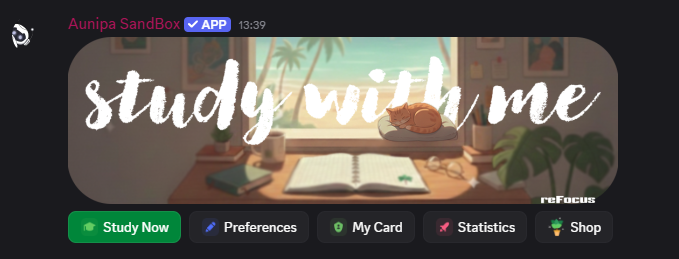

Click the Shop button to see all available options.
Select Buy Themes.
The Browse Themes option will take you to this website, where you can preview every theme before buying.

Pick the theme you like and unlock it using Coins earned from studying.
If you want faster access, you can also use Gems, which are available in the shop.